

How to copy tables from one Access database to another
1 min read
It’s simple. Use the import function.
Open the destination database.
Right click in the table pane. Select Import.
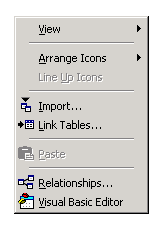
Choose the origination database.
Choose the tables you want to import.
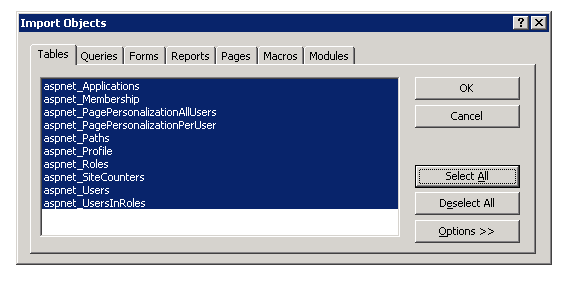
Select to copy structure and/or data.
Done.
Jon
Share:
Share on LinkedIn
Quick Share: Your custom post text has been copied to your clipboard! Click the button below to open LinkedIn's share dialog, then paste it.
💡 Tip: LinkedIn will open in a new tab. Use Ctrl+V (or Cmd+V on Mac) to paste your text.
Note: LinkedIn will show the article preview. You can add your custom text above it.