

Solution to "Entry point was not found." in Visual Studio
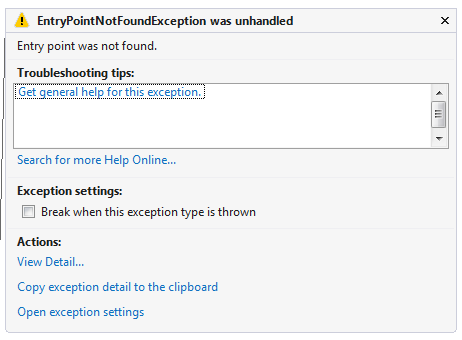
I got this “System.EntryPointNotFoundException” exception today: “Entry point was not found.” There could be many reasons for this exception. In my case it was because my main app and library app were point to different versions of the same Framework DLL. It compiled fine, just got the exception at runtime.
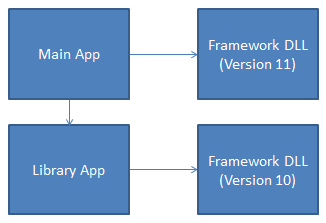
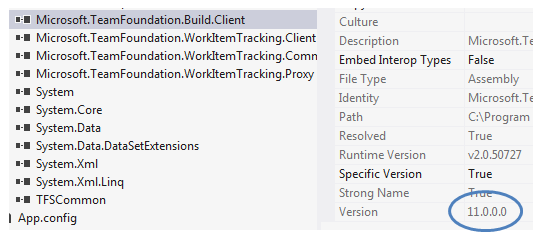
VERSION 11 REFERENCED IN MY MAIN APP
VERSION 10 REFERENCED IN MY LIBRARY APP
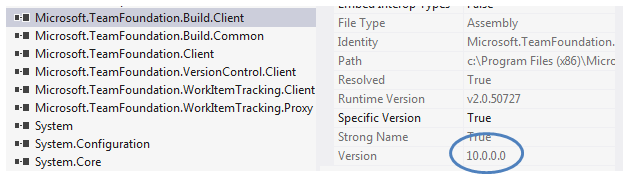
The solution is simple, just change one of the references so they match. In my case I change the Main app to reference version 10.
Jon
Share on LinkedIn
Quick Share: Your custom post text has been copied to your clipboard! Click the button below to open LinkedIn's share dialog, then paste it.
💡 Tip: LinkedIn will open in a new tab. Use Ctrl+V (or Cmd+V on Mac) to paste your text.
Note: LinkedIn will show the article preview. You can add your custom text above it.