

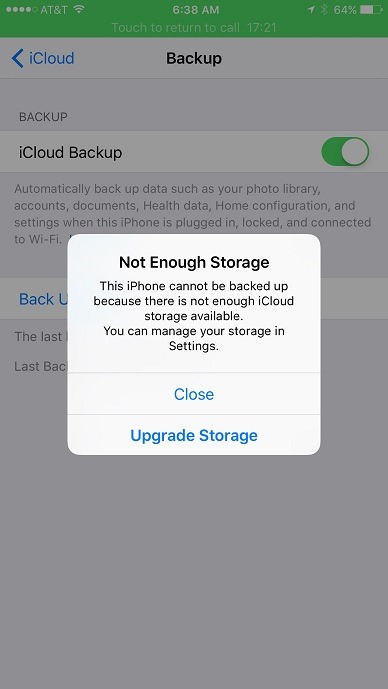
Workaround for "Not Enough Storage. This iPhone cannot be backed up because there is not enough iCloud storage available. You can manage your storage in Settings."
I have 5GB of available iCloud storage, but I am still getting the “Not Enough Storage. This iPhone cannot be backed up because there is not enough iCloud storage available. You can manage your storage in Settings.” error message when I try to backup my phone to iCloud. I called Apple iCloud support today and they said it is a known issue and the only work around is to back it up with iTunes. They also said they put me on an email notification list to notify me when the issue has been resolved.
Here’s a page that shows you how to backup your iPhone with iTunes: https://support.apple.com/en-us/HT203977
Here’s the Apple support page. Call them to register for the email notification when the issue has been resolved. https://getsupport.apple.com/
Jon
Share on LinkedIn
Quick Share: Your custom post text has been copied to your clipboard! Click the button below to open LinkedIn's share dialog, then paste it.
💡 Tip: LinkedIn will open in a new tab. Use Ctrl+V (or Cmd+V on Mac) to paste your text.
Note: LinkedIn will show the article preview. You can add your custom text above it.