
Solution: Power BI - "Can't contact visual server. Please make sure the visual server is running and configured correctly."
You might see this error message when trying to load the Power BI Custom Visual “Development Visual”
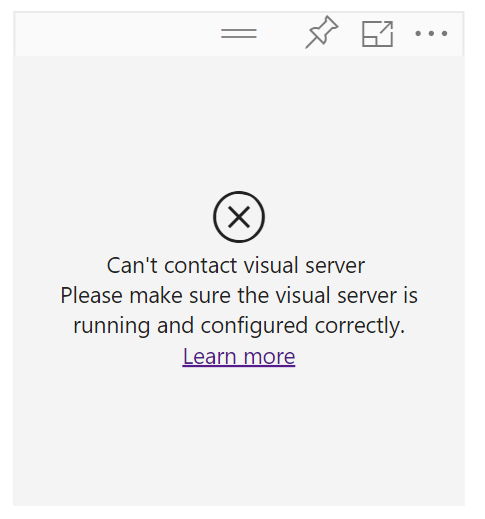
“Can’t contact visual server. Please make sure the visual server is running and configured correctly”.
1. Make sure local server is started by running “pbiviz start” from the project root.
2. Make sure the certificate is installed by running “pbiviz —install-cert” and follow these instructions.
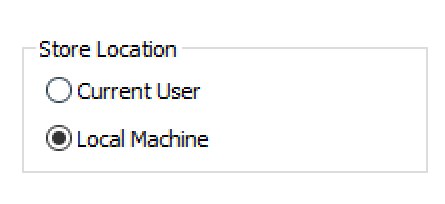
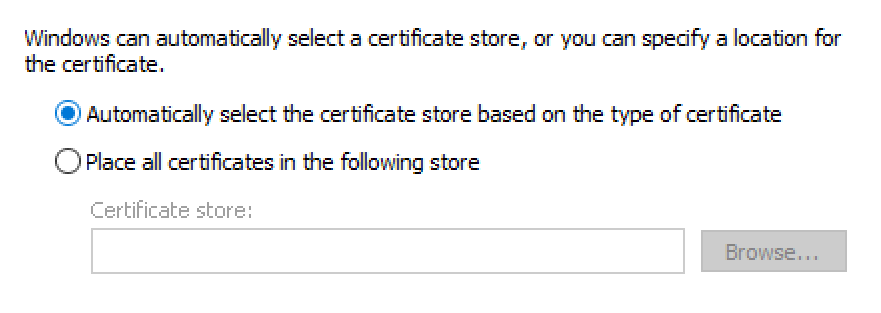
If the above doesn’t work, try installing the cert using the following settings.
“Local Machine”
“Automatically Select…”
If it still doesn’t work, then file an issue here: https://github.com/Microsoft/PowerBI-visuals/issues
Jon
Share on LinkedIn
Quick Share: Your custom post text has been copied to your clipboard! Click the button below to open LinkedIn's share dialog, then paste it.
💡 Tip: LinkedIn will open in a new tab. Use Ctrl+V (or Cmd+V on Mac) to paste your text.
Note: LinkedIn will show the article preview. You can add your custom text above it.