
How to open file diff from changeset details with double click in TFS
1 min read
By default TFS opens all files in the Changeset details window with Notepad.
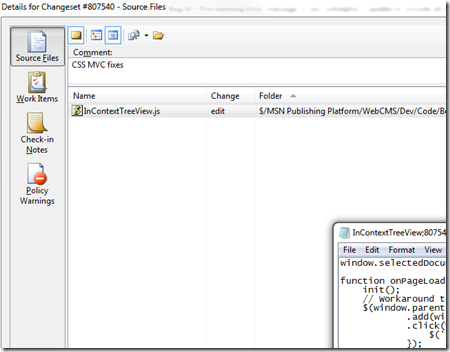
But what I want to do most of the time is diff the file, not open it.
You could either right click the file and choose compare and then select the version to compare to OR you could hold down the SHIFT key as you double click to open the compare dialog.
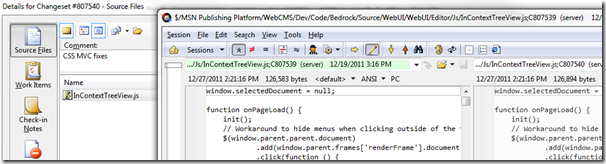
(I have beyond compare configured as my default diff tool)
It took me a while to find this hidden feature so I hope this helps you out.
Jon
Share: