
How to Backup a Website using NetDrive and CrashPlan
1 min read
Yes, my hosting provider provides backups of my site for free, but I like the reassurance of having my own copy. I do so with NetDrive and CrashPlan.
- NetDrive* is a free (for personal use) utility that allows you mount an FTP site as a Windows Drive.
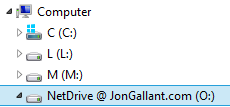
Here is JonGallant.com mapped to the “O” drive using NetDrive.
- CrashPlan* is a backup solution software that allows you to select which local drives you want to backup. See “My Backup Strategy” post for more details on how I use CrashPlan.
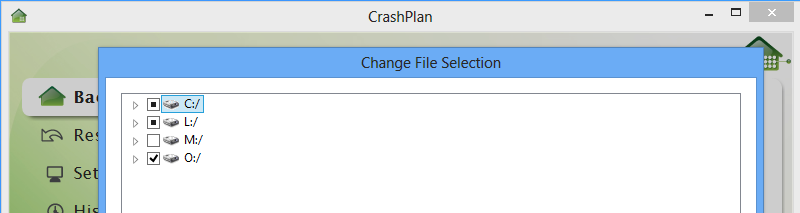
I select the “O” drive in CrashPlan to tell it to back that up.
It’s that simple.
Jon
Share: